
AI and Image Tools
Edit, expand, upscale, cut out and dress product images, and crop or resize them for free.
Open an image in Brand Assets → All Images, or use the Edit menu on a tile in Pick Image, to use these tools. Every result is saved as a new image; the original is never changed.
AI tools
AI tools use AI credits, which are separate from render credits.
| Tool | AI credits | What it does |
|---|---|---|
| AI edit | 2 | Describe the result you want, such as a new setting or lighting. Add up to three reference images to guide it |
| Virtual try-on | 2 | Dress the person in the photo in up to three garments, from flat lays or product shots on a plain background |
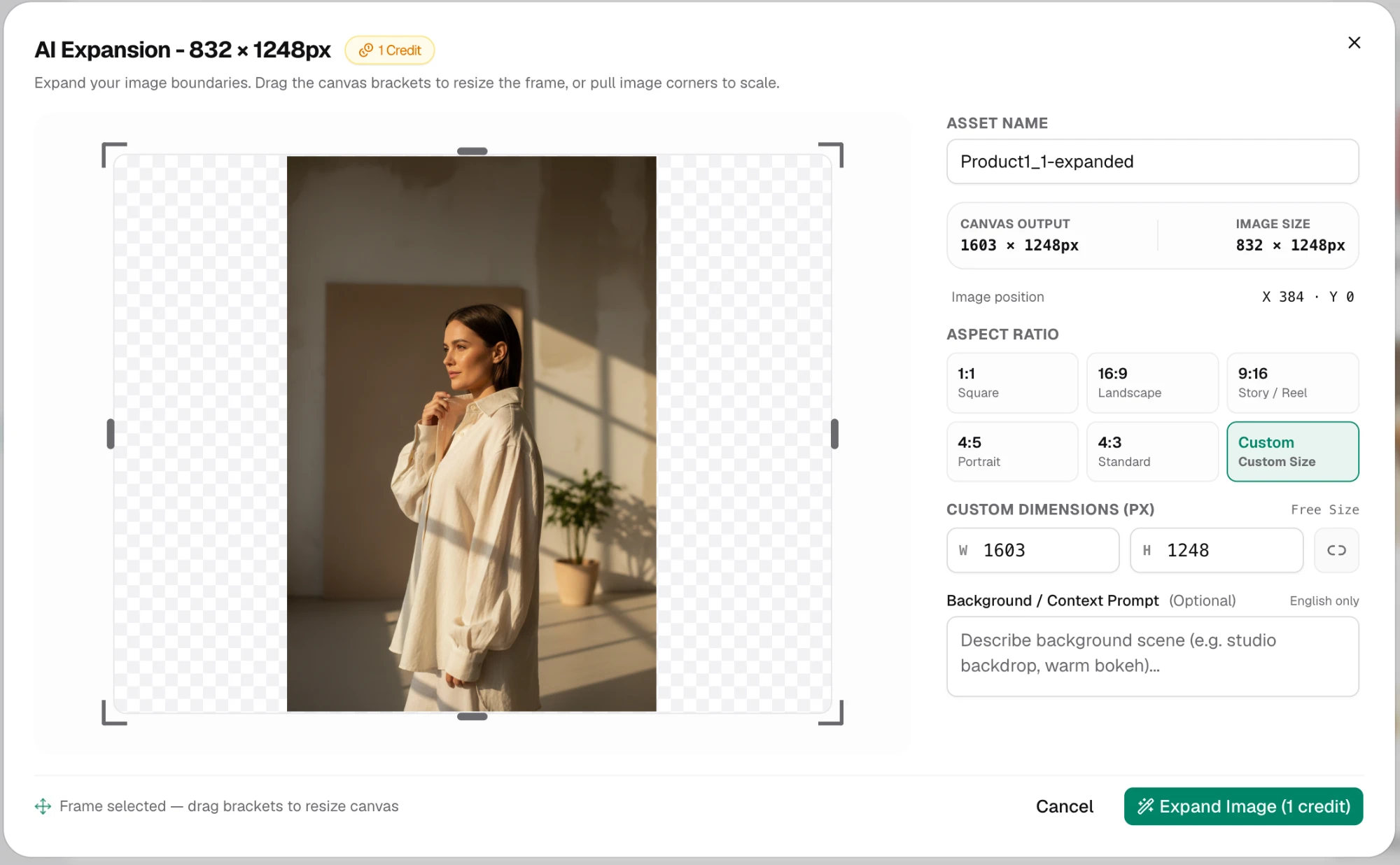
| AI expand | 1 | Extend the canvas to a new ratio or size and fill the new area, with an optional background prompt |
| Remove BG | 1 | Cut the subject out onto a transparent PNG |
| Upscale | 1 | Enlarge 2× or 4× (JPEG and PNG, up to 8192 × 8192) |
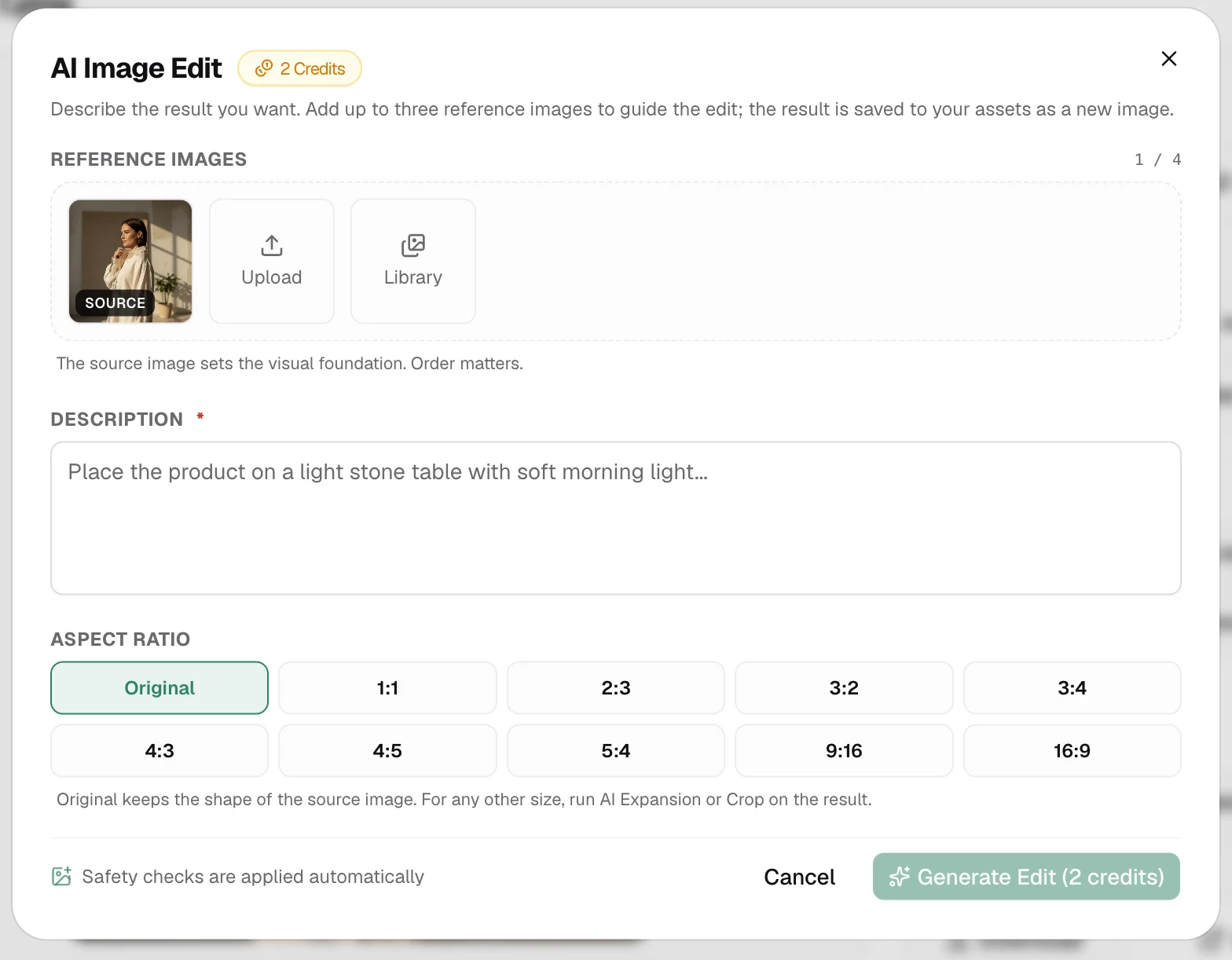
AI edit and Virtual try-on can keep the original shape or produce 1:1, 2:3, 3:2, 3:4, 4:3, 4:5, 5:4, 9:16 or 16:9. AI edit also offers 16:10, 10:16, 2:1, 1:2, 21:9, 9:21, 3:1, 1:3, 4:1, 1:4, 5:1 and 1:5. AI expand offers 1:1, 16:9, 9:16, 4:5, 4:3 or a custom size up to 5000 pixels on a side.
Free image tools
| Tool | What it does |
|---|---|
| Crop | Select the area you want to keep |
| Resize | Change the image dimensions without cropping it |
| Color expand | Enlarge the canvas and fill the new margins with a solid colour or a gradient |
How AI credits are charged
- The cost is shown on each tool's button before you run it.
- A failed edit is refunded.
- Running the same tool with the same image and settings again reuses the earlier result at no cost.
- Safety checks are applied automatically.
If the organization is out of AI credits, the tool says so and nothing is charged. Top-ups are on the Billing page.
Use AI tools before you build a batch: remove backgrounds from a set of product shots, then use the cutouts in the batch's image column.
Updated 1 Nov 2026