
Workspace Settings
Change the workspace name and logo, and choose which domains images can be imported from.
Workspace → Settings holds the workspace's name, logo and import rules.
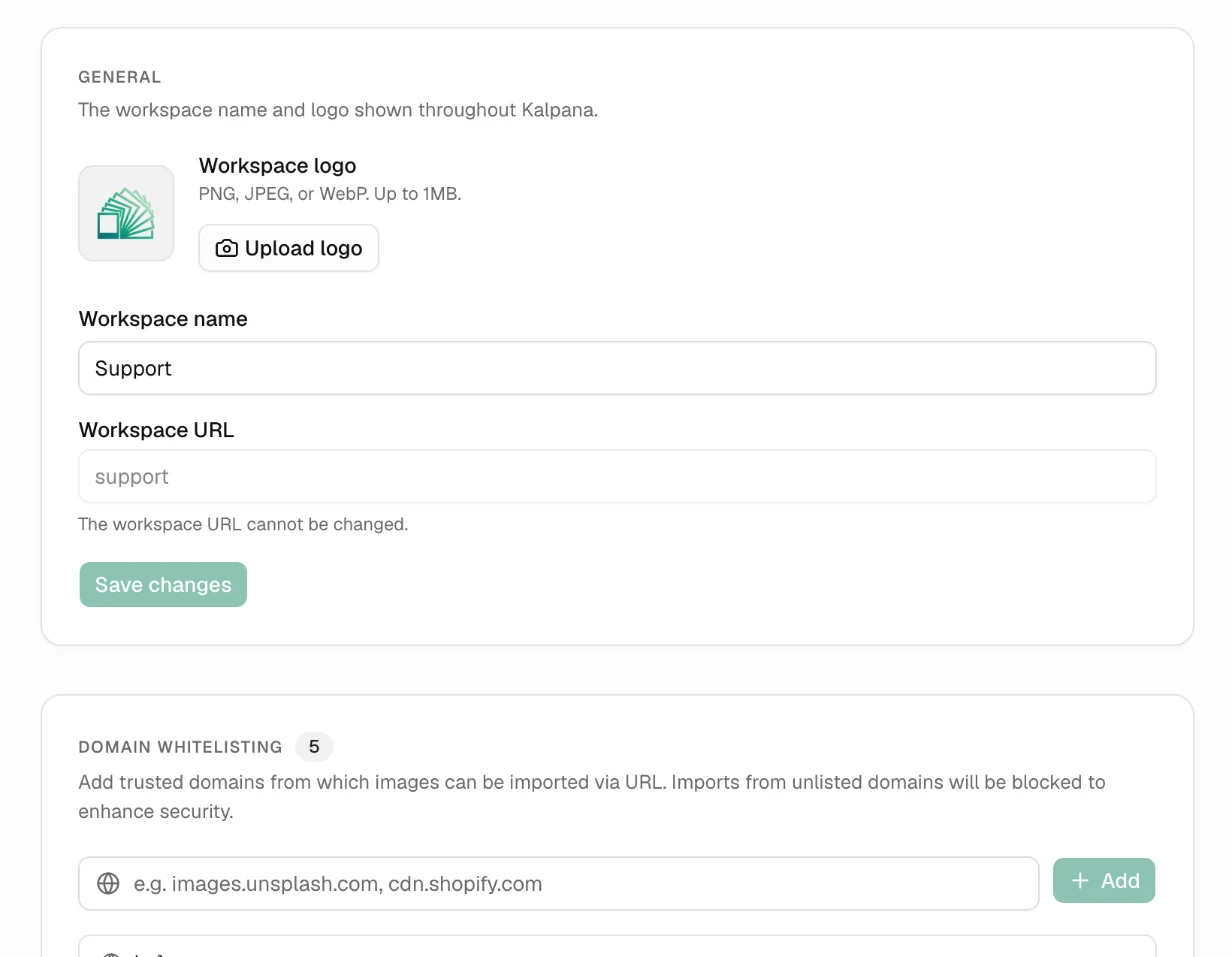
General
- Workspace logo: PNG, JPEG or WebP, up to 1 MB. Shown in the sidebar and the workspace switcher.
- Workspace name: shown throughout Kalpana.
- Workspace URL: the address of the workspace. It cannot be changed.
Choose Save changes to apply. Only the workspace Owner can change these settings; everyone else sees them read-only.
Domain whitelisting
Images can be imported from a link, in a batch's image column or in Pick Image. To keep imports safe, Kalpana only fetches images from domains on this list. Imports from any other domain are blocked.
Type a domain, such as images.unsplash.com or cdn.yourstore.com, and choose Add. Remove domains you added from their row.
If a batch reports that an image link cannot be imported, check that its domain is on this list. cdn.shopify.com is allowed by default, so Shopify product images work without changes.
Updated 1 Nov 2026